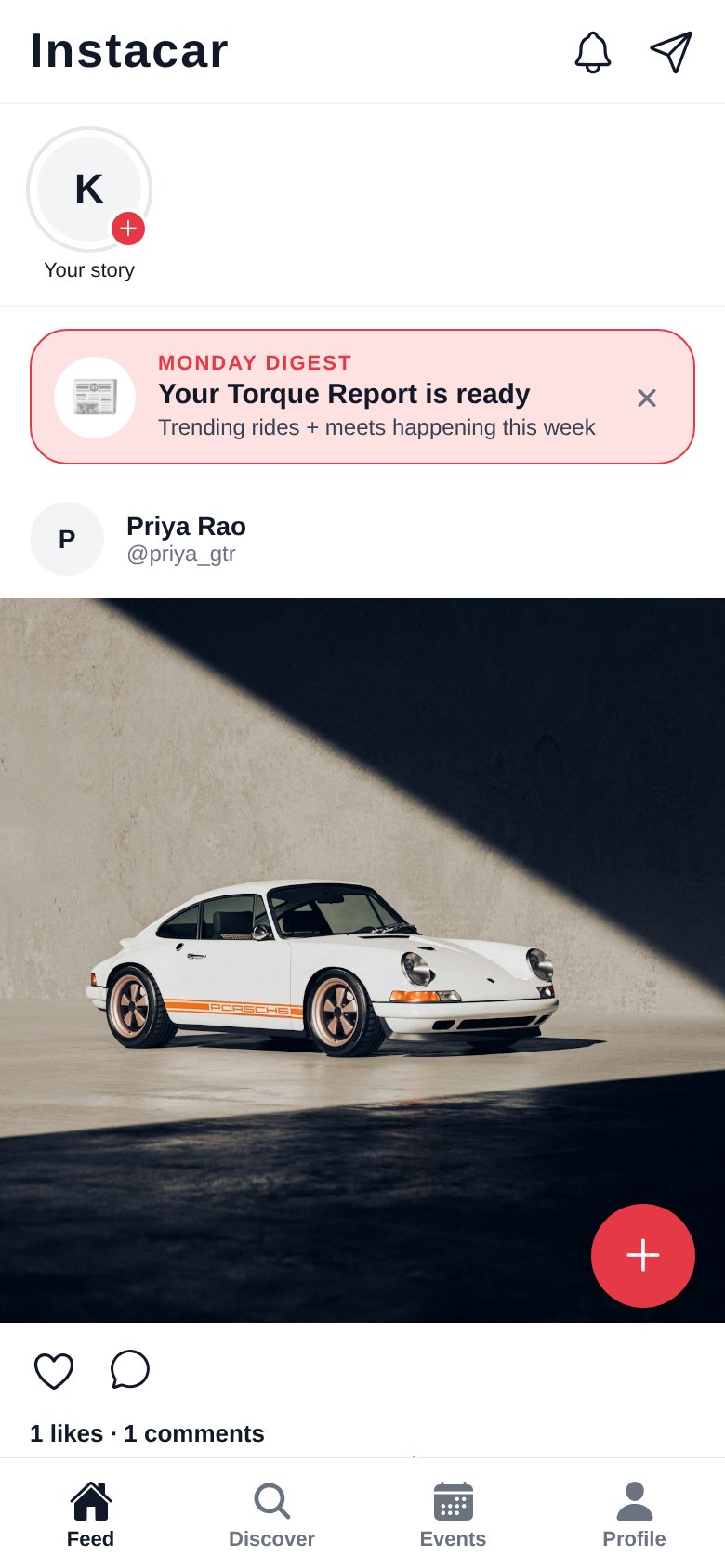
Photo Feed & Stories
Share high-quality car photography, and post 24-hour Stories from the garage or the road. Friends can react with quick emoji that land right in your DMs.
Instacar is the social home for gearheads. Post your build and 24-hour Stories, cruise hand-picked Scenic Drives with one-tap navigation, tune into car podcasts, find local meets and featured motorsports events, and connect with fellow drivers — all in one clean, native app.
Free to download. Available soon in the app stores — join the launch list below.
Built for every kind of enthusiast — from daily drivers to weekend racers.
No algorithm noise. No ads. Just the community, the machines, and the meets.
Share high-quality car photography, and post 24-hour Stories from the garage or the road. Friends can react with quick emoji that land right in your DMs.
Build a public profile of every car you own — photos, specs, and mods. AI suggests spec badges like Turbocharged, RWD, or 90s Icon, and you can compare any two garage builds side by side.
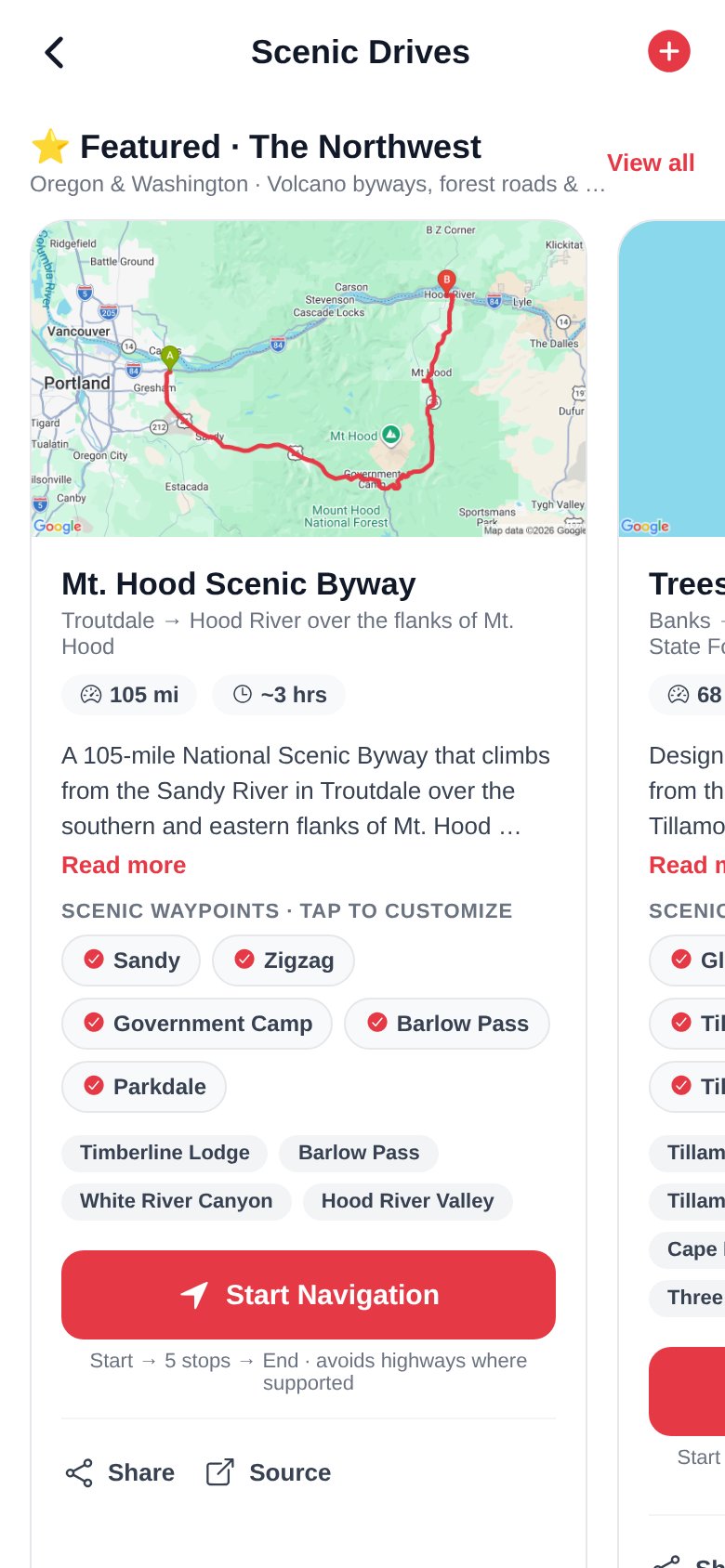
Hand-curated byways with real route maps, mile-by-mile highlights, and a Start Navigation button that opens your maps app with highways avoided. Pick your waypoints, then drive.
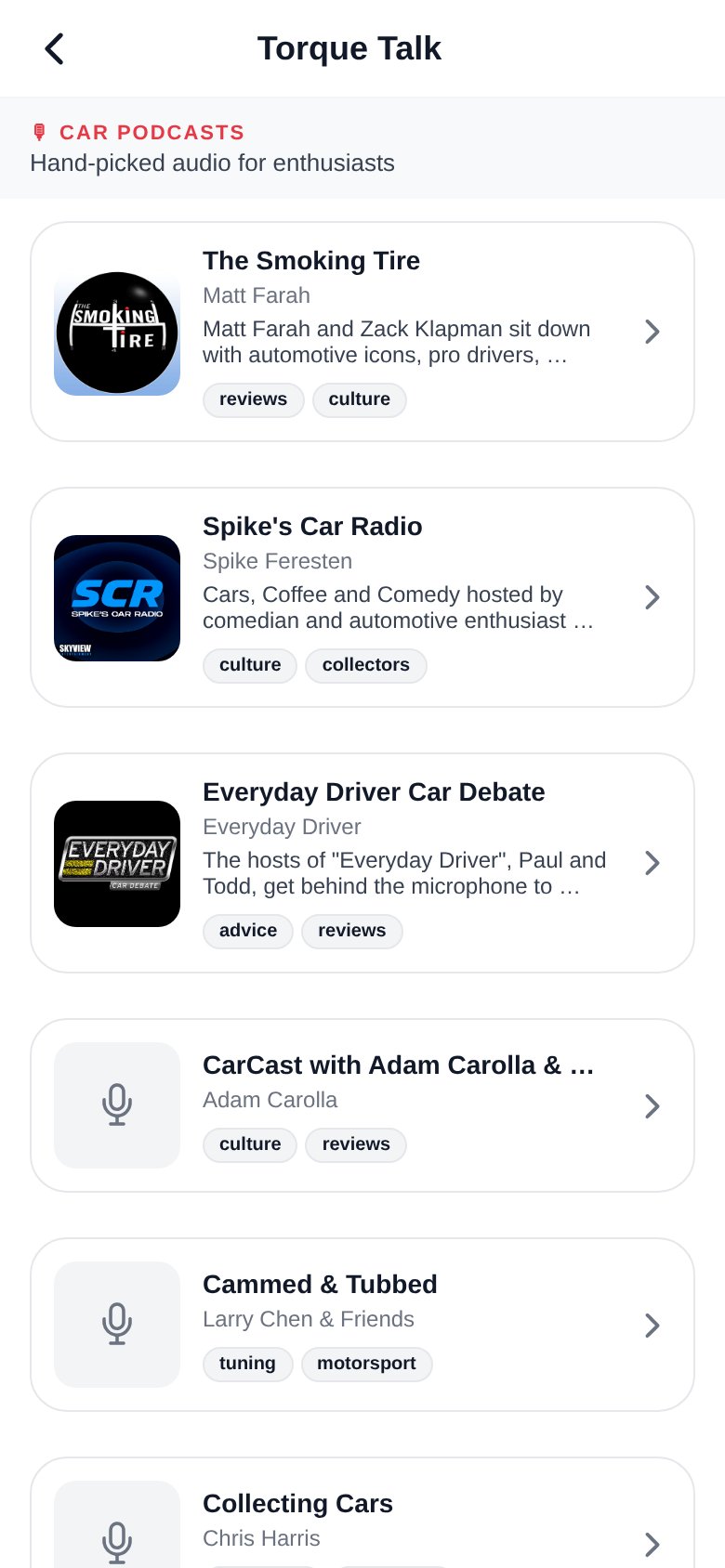
A curated lineup of 15 top car podcasts — The Smoking Tire, Collecting Cars, F1: Beyond The Grid, and more — with fresh episodes and playback right inside the app.
Community-hosted meets plus a Featured tab of real motorsports and car-show events near you. Filter by Near me, This weekend, or a date — with automatic timezone display and one-tap directions.
Live search across names, usernames, and bios — plus a Trending Rides leaderboard of the cars the community is loving this week.
Chat privately with enthusiasts. Unread badges keep you in the loop — coordinate buys, plan the next weekend drive, or trade spotting stories.
Snap a photo and Instacar’s AI identifies the make, model, year, and color, suggests captions for your posts, and tags your garage with smart spec badges.
Get an in-app reminder the morning of any meet you RSVP’d to, and a Monday digest of the week’s trending rides and upcoming events.
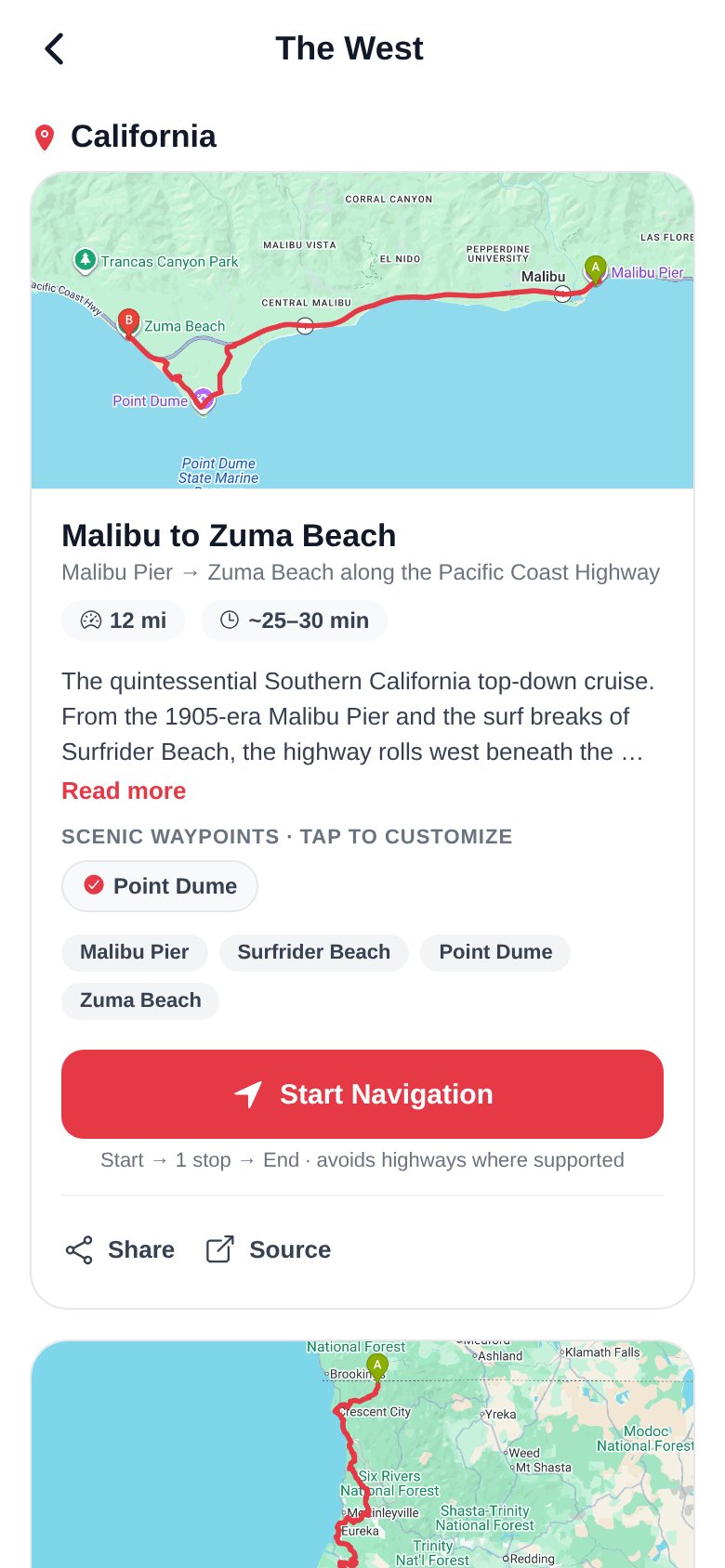
Featured regional byways, mapped and ready to run — or submit your own favorite road for the community to upvote.
Launching with three regions and more on the way:
The Mountains, Midwest, Northeast, and South are coming soon.
Download from the App Store or Google Play. It’s free.
Add your rides — Instacar’s AI can pre-fill the make and model from just a photo.
Follow enthusiasts, join meets, run a Scenic Drive, and start conversations.
Real screens from build 1.0.13 — Scenic Drives, regional routes, and Torque Talk.
Available on iOS and Android. Scan the QR or tap a store badge.
Scan to install
Point your phone camera at this code.
Yes — creating an account and posting is completely free.
Instacar runs on iOS 15+ and Android 8+. It’s a native app built with Expo/React Native.
Nope. You can create an account with just email and password, or sign in with Google — up to you.
Yes. Clubs and shops love the Events and Garage features. Business profiles are on the roadmap.
Our AI reads your uploaded photo and identifies the make, model, and year — you can accept, edit, or discard the suggestions. It also suggests post captions and garage spec badges.
Hand-curated driving routes — like the Mt. Hood Scenic Byway or the Redwood Highway — with real route maps and highlights. Tap Start Navigation and the route opens in Google or Apple Maps with highways avoided. You can also submit your own favorite road, add photos and waypoints, and earn a Community Verified badge when it reaches 10 upvotes.
A built-in listening room with 15 curated car podcasts — episodes refresh automatically and play right inside the app, or deep-link to Apple Podcasts and Spotify.
Post a photo Story that disappears after 24 hours. Viewers can react with quick emoji, which arrive as a direct message so the conversation keeps rolling.
Inside the app: Profile → gear icon (top right) → Settings. Each policy also lives here on the site under the Privacy, Terms, and Child Safety links.
Open the app and tap Profile → gear icon → Delete account. Your posts, cars, events, and messages are permanently removed. You can also email privacy@instacar.biz and we’ll process the request for you.